
What's New in Halaxy: November 2026

Welcome to the November edition of our What's New newsletter. This month, your patient portal does more for you and your patients, rebooking takes seconds, and forms and surveys reach your patients automatically, so you can focus solely on treating patients.
Your patient portal, now even better
More ways to stay connected with your patients between appointments.
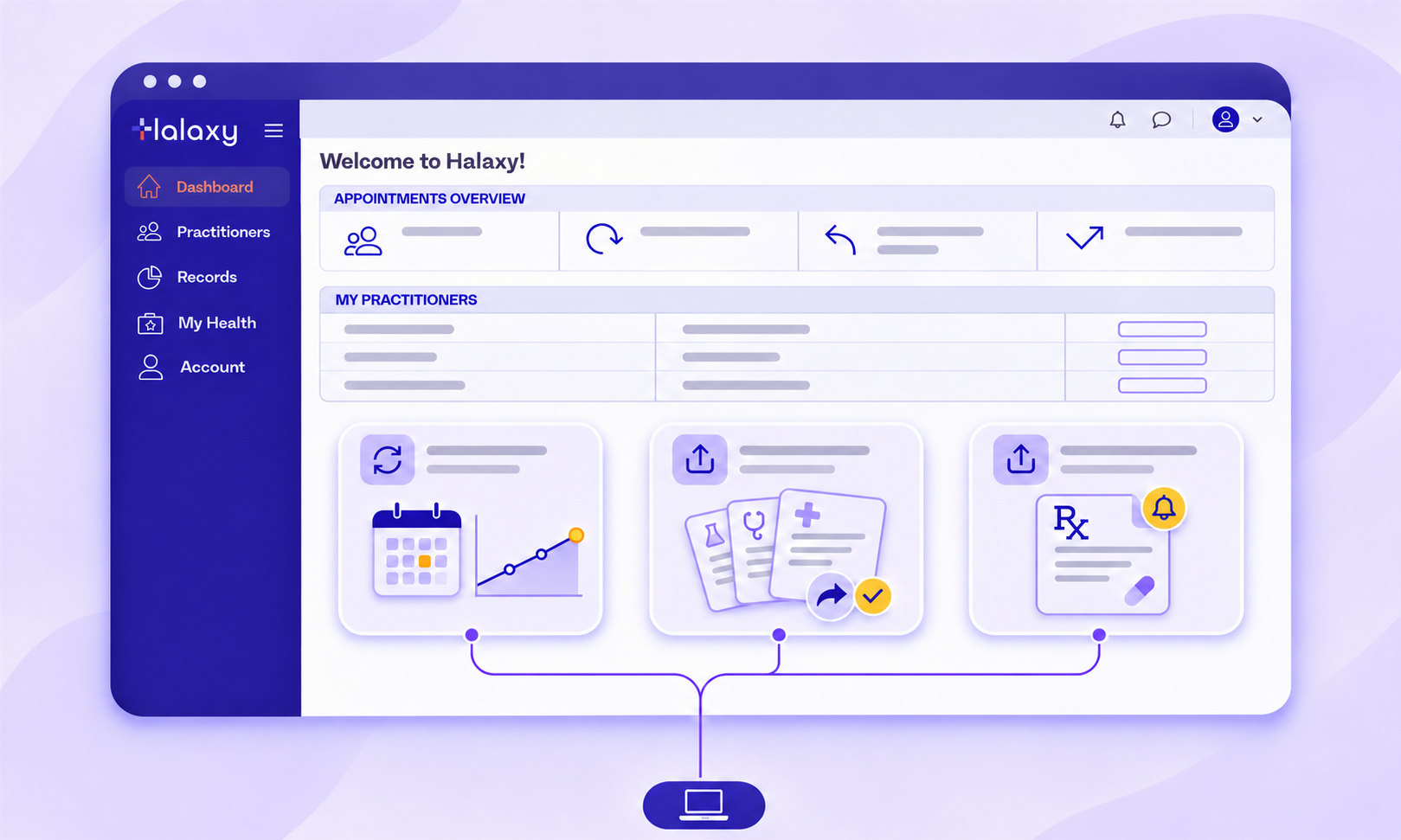
Your patient portal is built into Halaxy, so it works with your calendar, clinical notes and prescriptions in the one place. There's nothing to connect and nothing to copy across, and this month it gains three new ways to save you time.
Automate your clinical tool assignments.
Choose what you need your patient to complete and how often, and Halaxy assigns each clinical tool automatically. Your patient completes it in their patient portal each time, so you can track their progress over time.
Learn how to assign a repeat clinical tool.
Share several records at once.
Select the clinical notes and clinical tools you want your patient to have, and share them together. Preview the content and customise your email notification before anything is sent, so your patient receives exactly what you intend.
Learn how to share multiple notes with patients.
Share prescriptions automatically.
Turn on Auto Share Prescriptions in your patient portal settings, and every prescription reaches your patient instantly. Need repeats? Get notified and approve in seconds.
Learn how to auto share prescriptions.
Rebook in seconds
From one appointment to the next, with nothing to retype.
Get more control over linked fees.
Linked fees group fees that always occur together under the fee you book most often, such as home visit appointments, which also include travel fees in the linked fees. This month we added more flexible options for linked fees:
• Remove before booking: Remove some of the linked fees before you create the appointments, without affecting the full linked fees set.
• Ungroup appointments: Detach a linked appointment from its parent whenever you need to.
• Delete together: Remove the linked appointment when you delete an invoice line.
• Book from notes and invoices: You can now use linked fees when you add an appointment from a clinical note or invoice line.
Learn how to manage linked fees.
A small update to Halaxy passwords
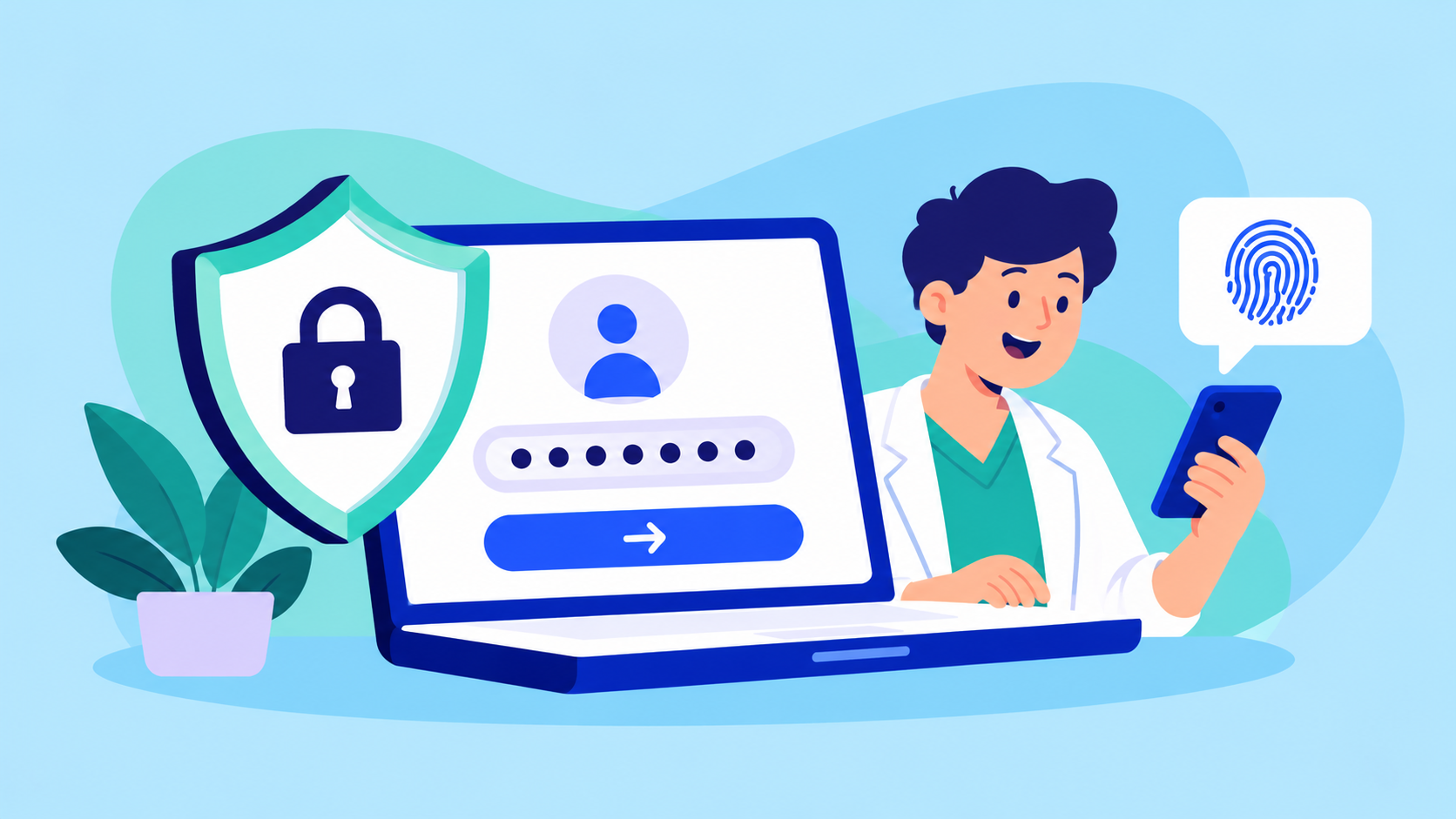
As we prepare for new prescribing functionality, we're strengthening how every account is protected. Passwords must be unique to you and hard to guess, not a widely used password, and we’ve put in place a range of measures to support this security.
What your team might see
• If someone's current password is used elsewhere, they're asked to choose a new one after logging in. Once they save it, everything works as normal.
• A widely used password is declined whenever anyone sets one, including when you add a user or change their password.
• Anyone who logs in with a passkey or single sign-on isn't affected.
Most people won't notice a change, but it's worth giving your team a heads-up. Halaxy never sends your password anywhere during the check.
Learn how to change a password.

Over the next few months, we’re releasing a number of features that really supercharge your practice and help you spend even less time on admin and far more time with patients.
Some of them are small things that have a big impact, and some are globally unique that have never been done before.
No matter if the feature is big or small, highly publicised or not, the key outcome is always the same: make healthcare better for you and your patients.
For the full list of Halaxy's latest features and updates: