
What's New in Halaxy: January 2026
Welcome to the January edition of our What’s New newsletter. This month, we introduced a range of new features and enhancements to Halaxy as we continue to make healthcare better for everyone, everywhere.

Welcome to the January edition of our What’s New newsletter. This month, we introduced a range of new features and enhancements to Halaxy as we continue to make healthcare better for everyone, everywhere.
Most popular feature
AI File Summary
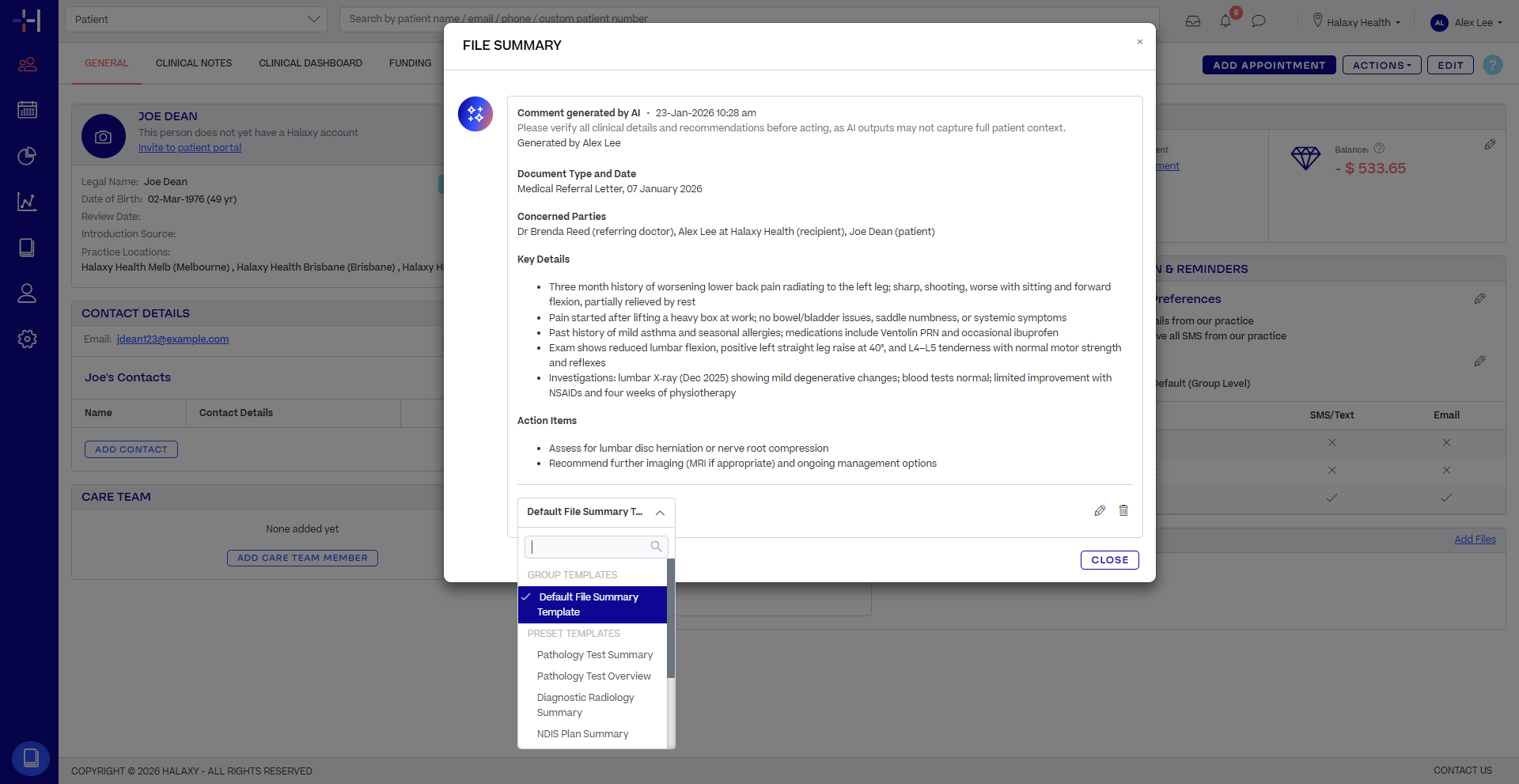
Save time with our new feature, AI File Summary. In just its first 24 hours, practitioners summarised over 1,000 files, removing hours of administration, making an instant impact for practitioners.
Already, more than 1,700 practices are using Halaxy AI products, so it’s not just that AI File Summary is brilliant on its own, but having AI fully integrated into workflows, without juggling multiple products, logins, or integrations, is what really makes the difference.
AI File Summary is a free, inbuilt Halaxy feature that instantly summarises your uploaded documents, creating a clear, concise summary of what matters most for patient care.
Summarise clinical notes, intake forms, funding documents and referrals while keeping the original uploaded files untouched. AI File Summary works across all attached documents types, including psychological assessments, NDIS plans, contracts, referral documents and any file received through secure messaging, fax, or claims.
Use our preset templates or create your own to define the key information you want to summarise. Our AI File Summary then presents the details in your preferred style. You can edit the summaries, add extra details, and keep all your notes in the one place.
Click Summarise File with AI at the bottom of any document to get started.
Learn more in our AI File Summary help guide.
Other improvements
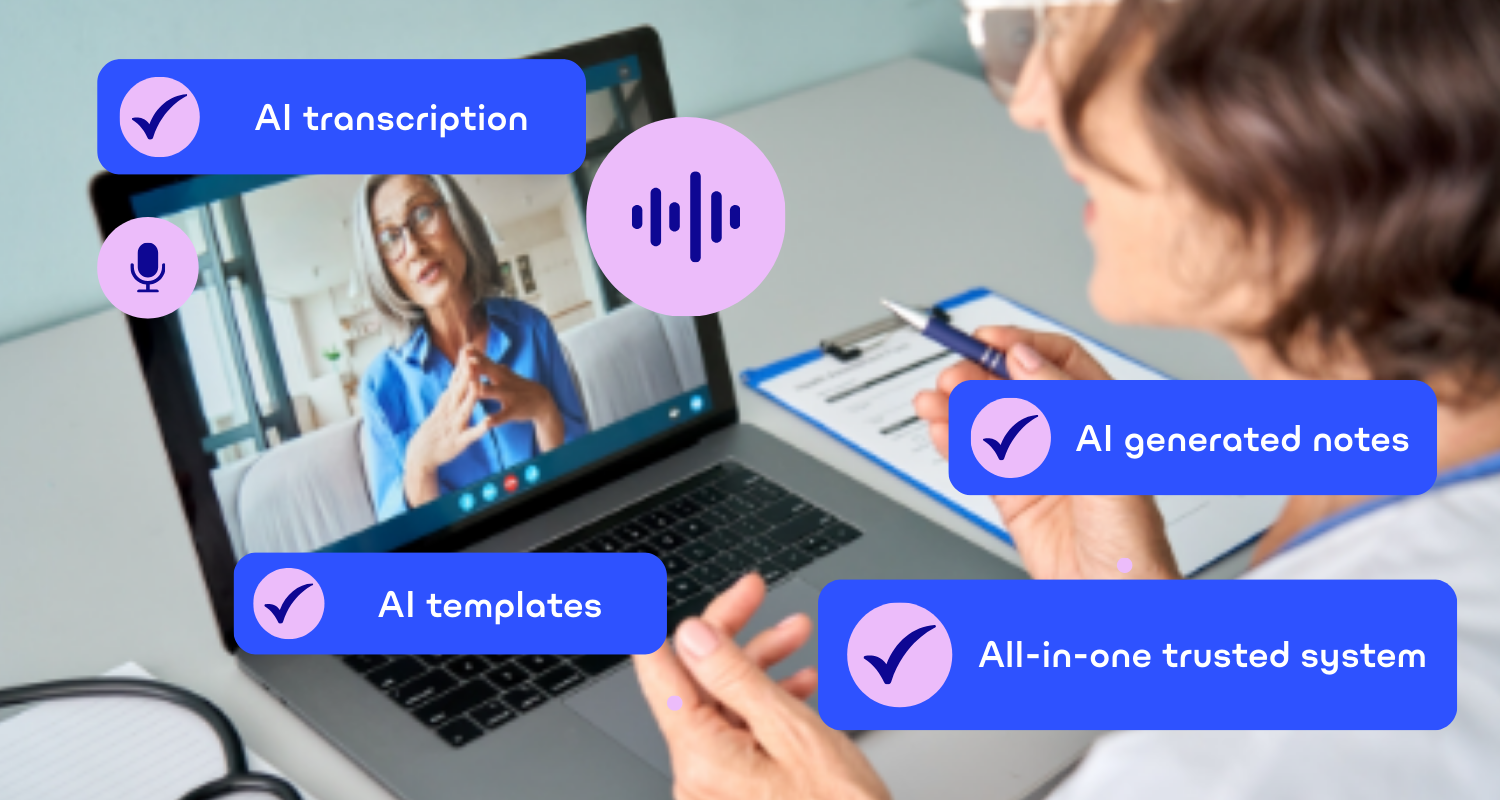
Six weeks on since the release of AI Scribe, customer feedback has been overwhelmingly positive. In that time, AI Scribe has transcribed 250,000 minutes of audio, and counting!
Customers using our AI Scribe, that’s fully built into Halaxy, find their workflow is even simpler, no more copying and pasting patient notes into other tools and back again. Patient information stays safe and secure, all in the one platform.
We continue to enhance AI Scribe with regular improvements and new templates added to the AI template library, organised by profession and ready to select from the dropdown.
Did you know?
Dynamic terms for AI Scribe – unique to Halaxy
With AI Scribe, you can use dynamic terms in your templates to automatically pull structured data from patient records across Halaxy, including patient name, age, appointment dates and times, and more. This saves hours of manual work while keeping your clinical notes consistent and accurate.
Far more than just SOAP templates
AI Scribe comes with SOAP notes by default, but your template library includes many more options, such as Mental Health Detailed Assessment, OT Initial Assessment, Speech Pathology Progress Notes. You can also create custom templates quickly and easily to suit your practice. Explore the full range of AI Scribe templates.
AI credit flow and controls
We’ve improved the credit usage workflow for AI Scribe to match Halaxy’s other credit-based features like Telehealth. Credits are now drawn from individual accounts first and, if unavailable, from group accounts. Contractors can use their own credits for AI Scribe, giving more control and flexibility. You can also now disable AI Scribe for individual users without affecting the entire practice group.
Have a question regarding our AI Scribe? Check out our AI Scribe FAQs.
Reminder settings
This month, we’ve continued enhancements to the Reminder settings page to remove more clicks and screens, making it faster and easier to manage your reminders. We’ve also added additional functionality, including:
Dynamic terms for email subjects
You can now use dynamic terms not just in the body of your reminder and invoice emails but in your email subject headers. Include patient names, appointment time and date, invoice numbers, reference numbers or other terms to personalise reminders automatically without the manual work.
Learn more.
Clinical Sidebar
See more and know more, all from the one place in your clinical sidebar! Quickly view patient observations directly from the clinical order tab for easy access. For those with a Sonic Lab integration, order results appear instantly, so you no longer need to click through clinical notes. Giving you smoother consults and more time with your patients.
Learn more about your clinical sidebar.
QR codes for online bookings
You can now generate QR codes for your online booking links, making it even easier for patients to access your booking page quickly and securely. These links can be for a specific practice, or for a specific practice and practitioner, and much more.
Learn more.
For the full list of Halaxy’s latest features and updates, see our release notes.